QR code business card for Afrpreneurs
A QR code scanned in two seconds beats ten number exchanges in the noise of a Black business expo. Wokka generates your professional QR code linked to your full profile: photo, bio, WhatsApp, Instagram, LinkedIn and website. At every meetup in London, Manchester or Nairobi, one scan is all your contact needs.
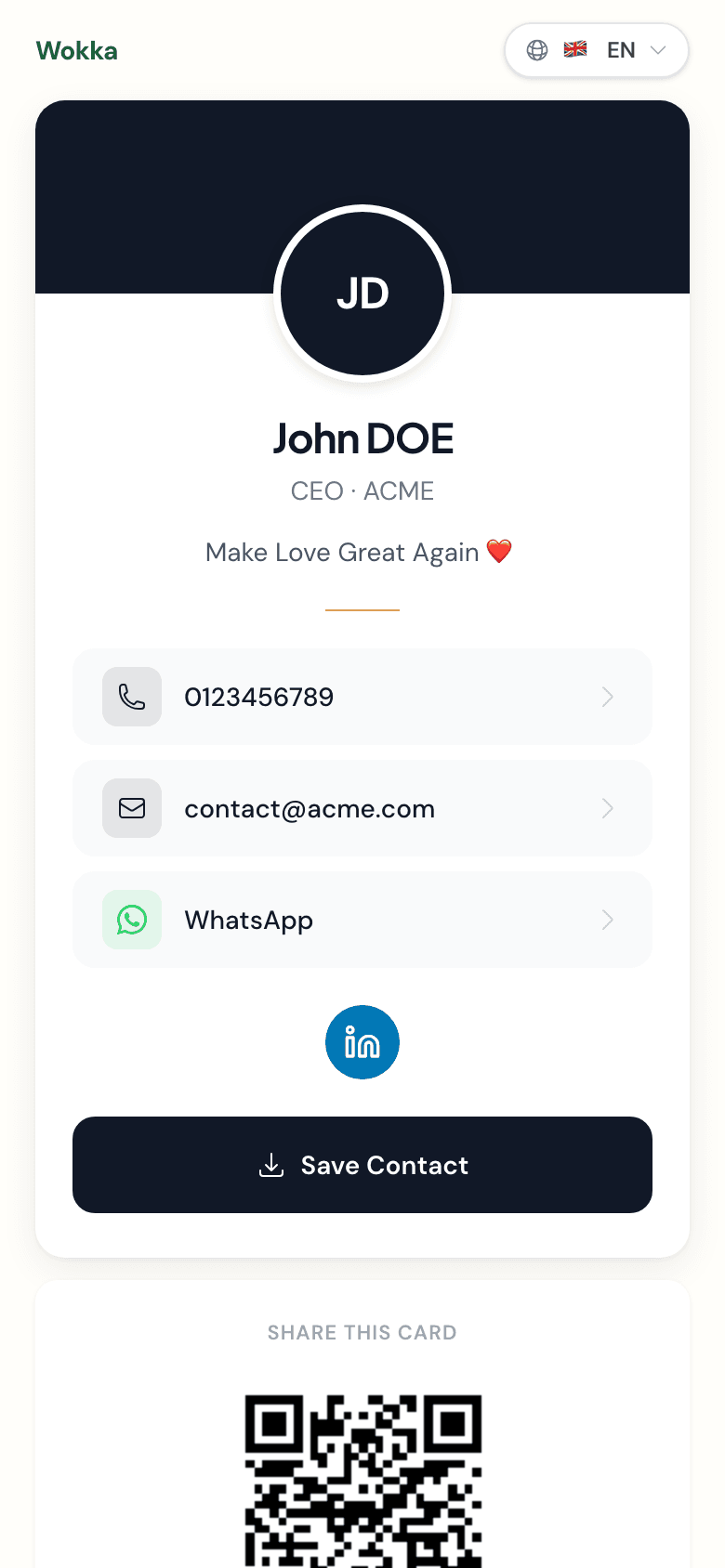
200+ Afrpreneurs already use their Wokka QR code
How to get your QR code business card
- 1
Create your Wokka profile
Fill in your professional info in 2 minutes — photo, role, key links.
- 2
Your QR code is generated
Right after signing up, Wokka creates a unique QR code pointing to your profile.
- 3
Display or print it
Show the QR code on your phone, print it on materials, or add it to your email signature.
A QR code built for diaspora networking
At a Black business expo at ExCeL London or an African tech summit in Manchester, pulling out your phone to share a QR code takes two seconds — versus twenty seconds spelling out your number or searching your LinkedIn. Wokka designed the QR code as the primary tool, not an afterthought: it sits front-and-centre on your profile, prints in high resolution, and auto-updates when you change your number. Perfect for Afrpreneurs who move between London, Lagos and Nairobi and need to stay reachable everywhere.
Frequently asked questions
How do I create a QR code business card for free?
With Wokka, you create your QR code business card for free in under 2 minutes. The QR code is generated automatically at sign-up and linked to your public profile — no third-party app needed.
Does my QR code update if I change my details?
Yes. Your Wokka QR code is dynamic: it always points to your live profile. Change your number, company or address and any existing printed QR code still works, showing your latest info.
Can I print my QR code on physical materials?
Absolutely. Wokka provides your QR code in high resolution, suitable for printing on cards, banners, event materials or merchandise. You keep the convenience of digital with physical presence.
Does a Wokka QR code work on all smartphones?
Yes. iOS and Android devices since 2018 scan QR codes natively via the camera app — no extra app needed. Your Wokka QR code is compatible with all mainstream smartphones.

Taylor Cachedon
Founder of Wokka
I built Wokka after spending hours trying to find Afropreneur contractors for a project — they existed, but were invisible online.